I have clipart or motifs
Arrange them into a repeat that actually tiles. No repeat-making skills needed.
See the Composer
Arrange your motifs, check and repair seams, prepare product files and create mockups. Bring artwork from Procreate, Photoshop or Canva into one browser-based workflow.
One-time purchase · No subscription · No export credits
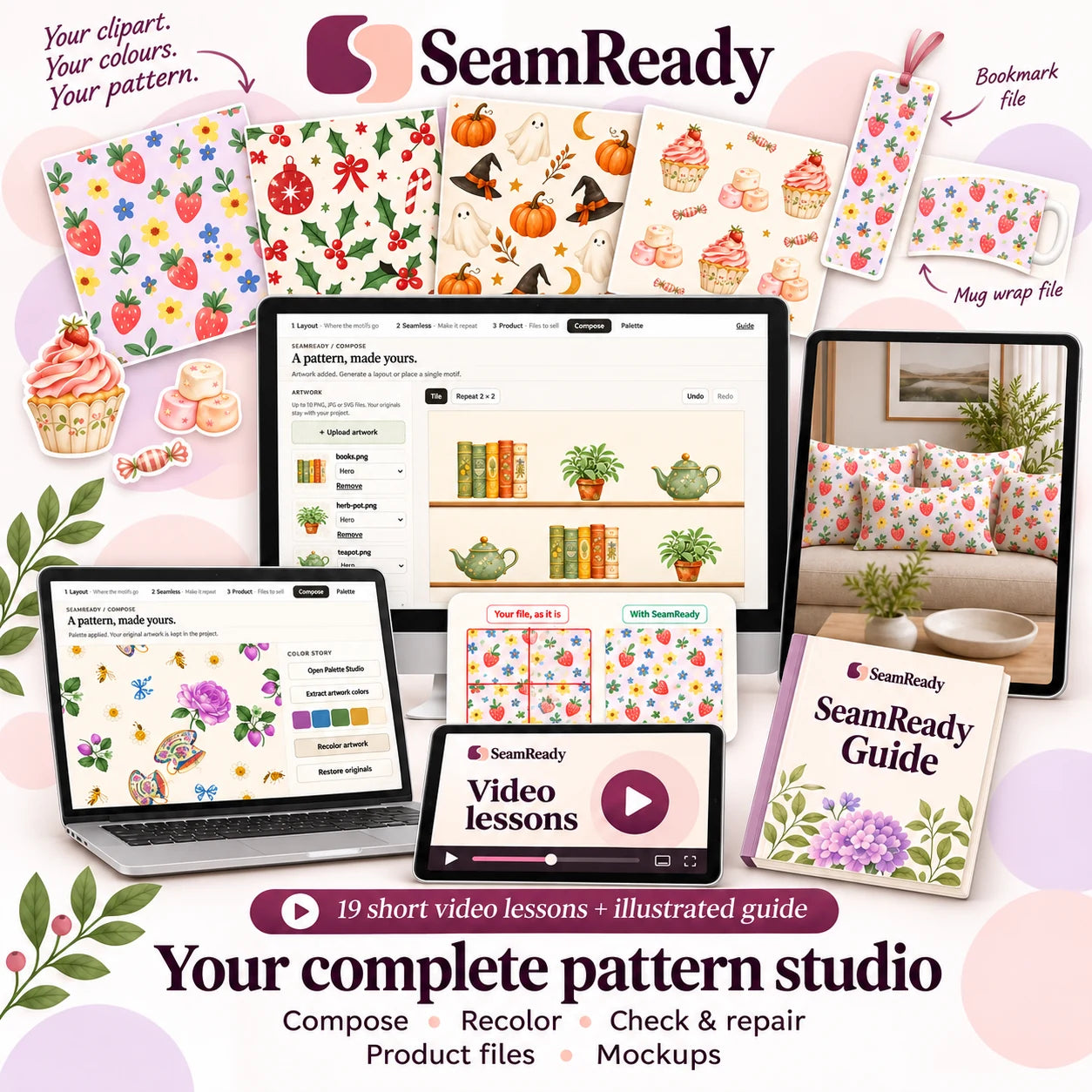
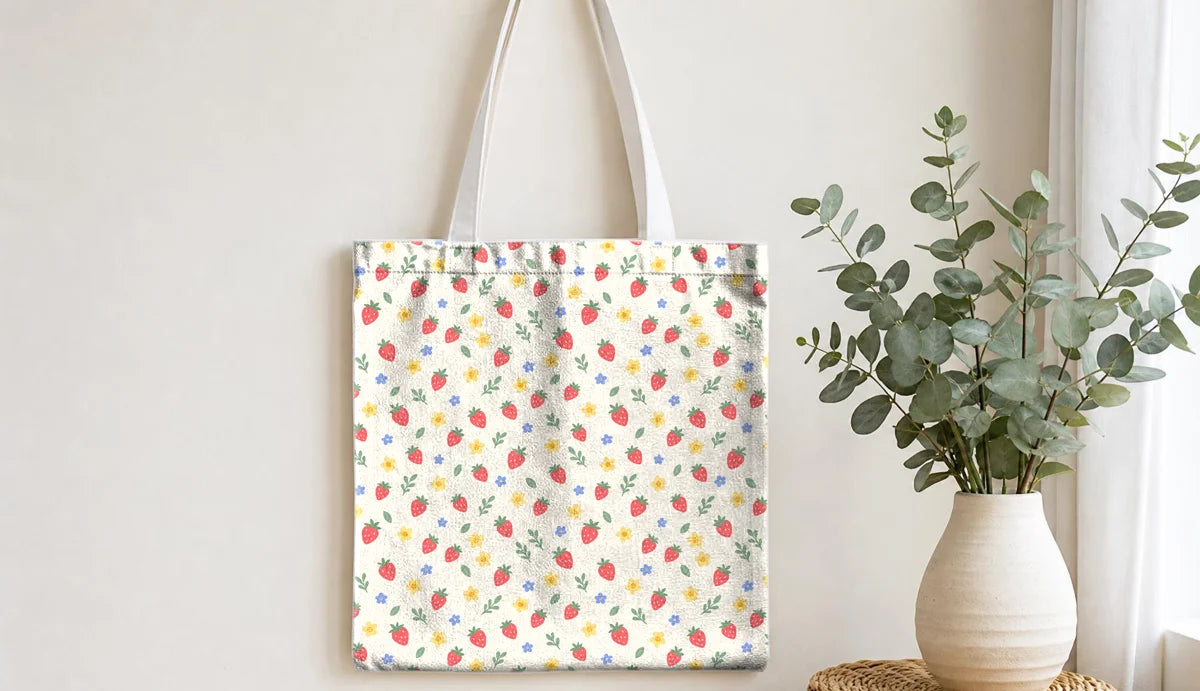

One studio. From your first layout to your finished mockup.
Arrange them into a repeat that actually tiles. No repeat-making skills needed.
See the ComposerCheck and repair the seams, then turn it into product files and mockups.
Check your pattern freeChoose an image to check its joins. Your artwork stays on your device.
PNG, JPG or WebP · No account needed · Free Grid repeat check
1 free check. Subscribe by email to unlock one extra.
Your repeat preview will appear here.
This preview checks repeat edges, not every detail of your design. Repair tools are available in SeamReady.
Import your drawings or licensed clipart. Arrange, resize and rotate motifs, then choose your colours and background.
Get the complete studio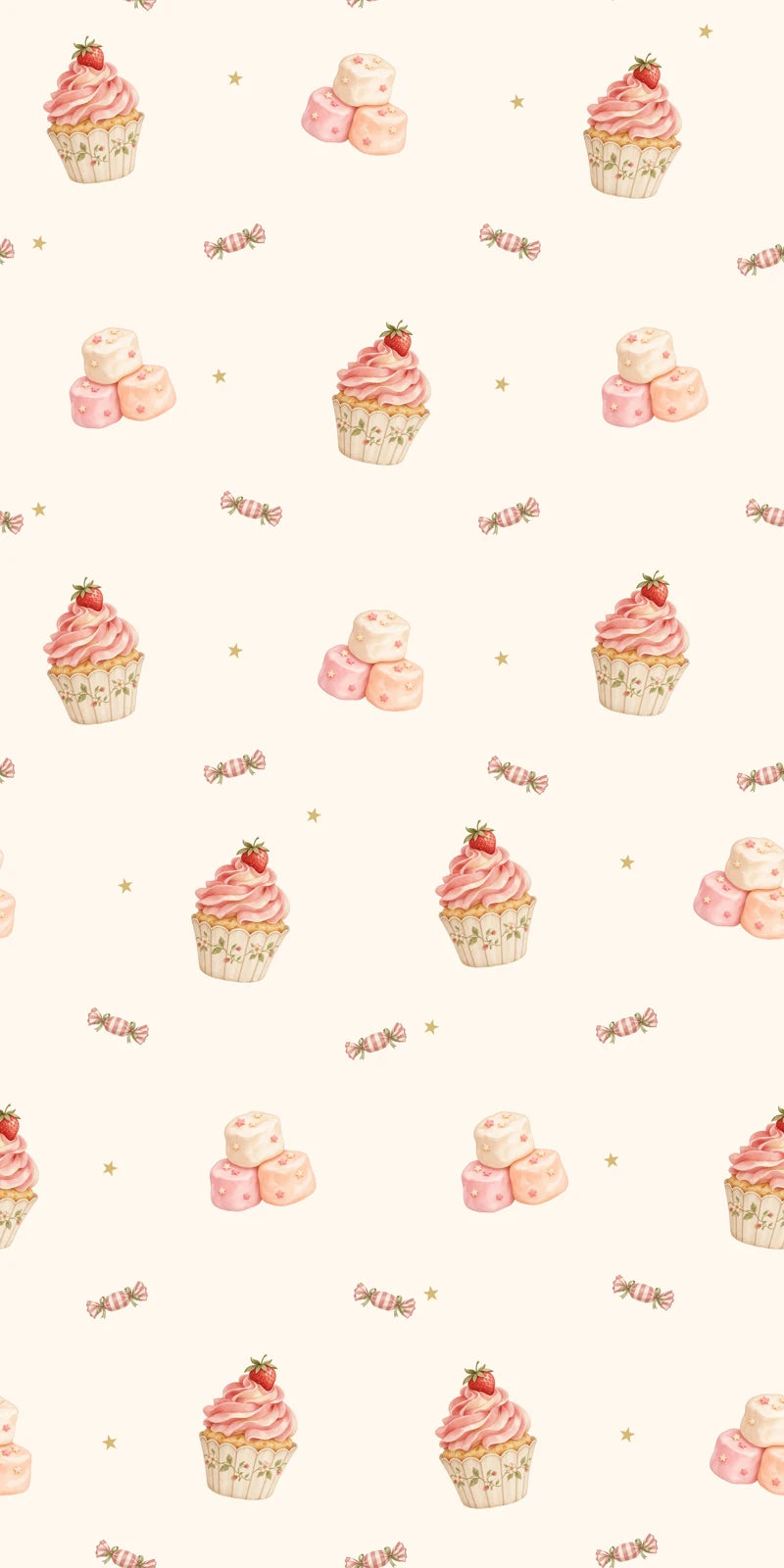
Digital software. Devices and physical products are illustrative.
Get SeamReady, the included mockup collection, and step-by-step guidance in one purchase.
Limited Autumn Offer
Save 58%
No subscription. No export credits.
Purchasing will open soon.
that awkward gap…You keep moving the same motifs, but the gaps never look quite right.
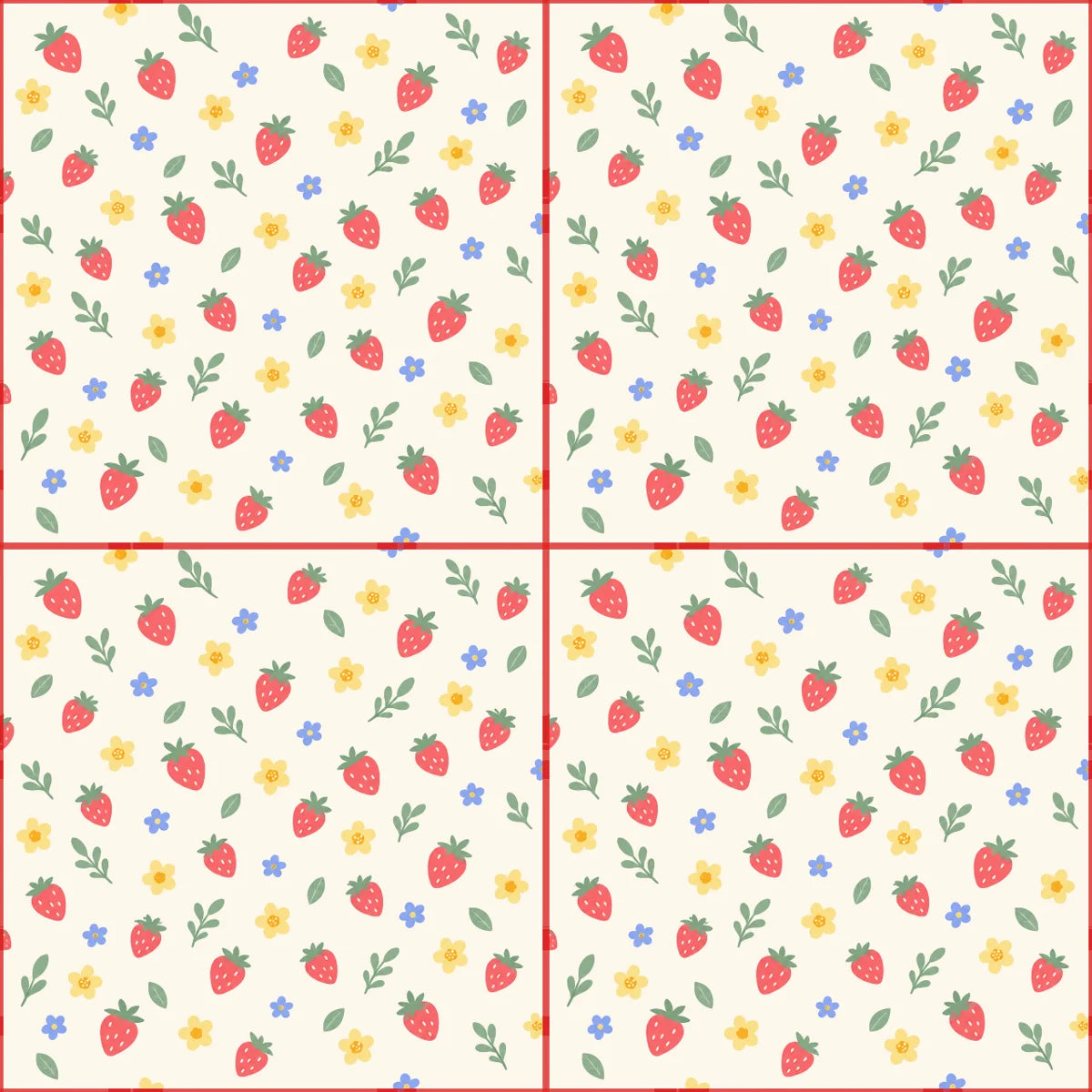 where did that line come from?
Your design looks good on its own. Then a line appears when you tile it.
still so much to prepareThere are still sizes to prepare, mockups to make, and downloads to organise.
SeamReady brings those next steps together,
so you can keep your project moving. ↘
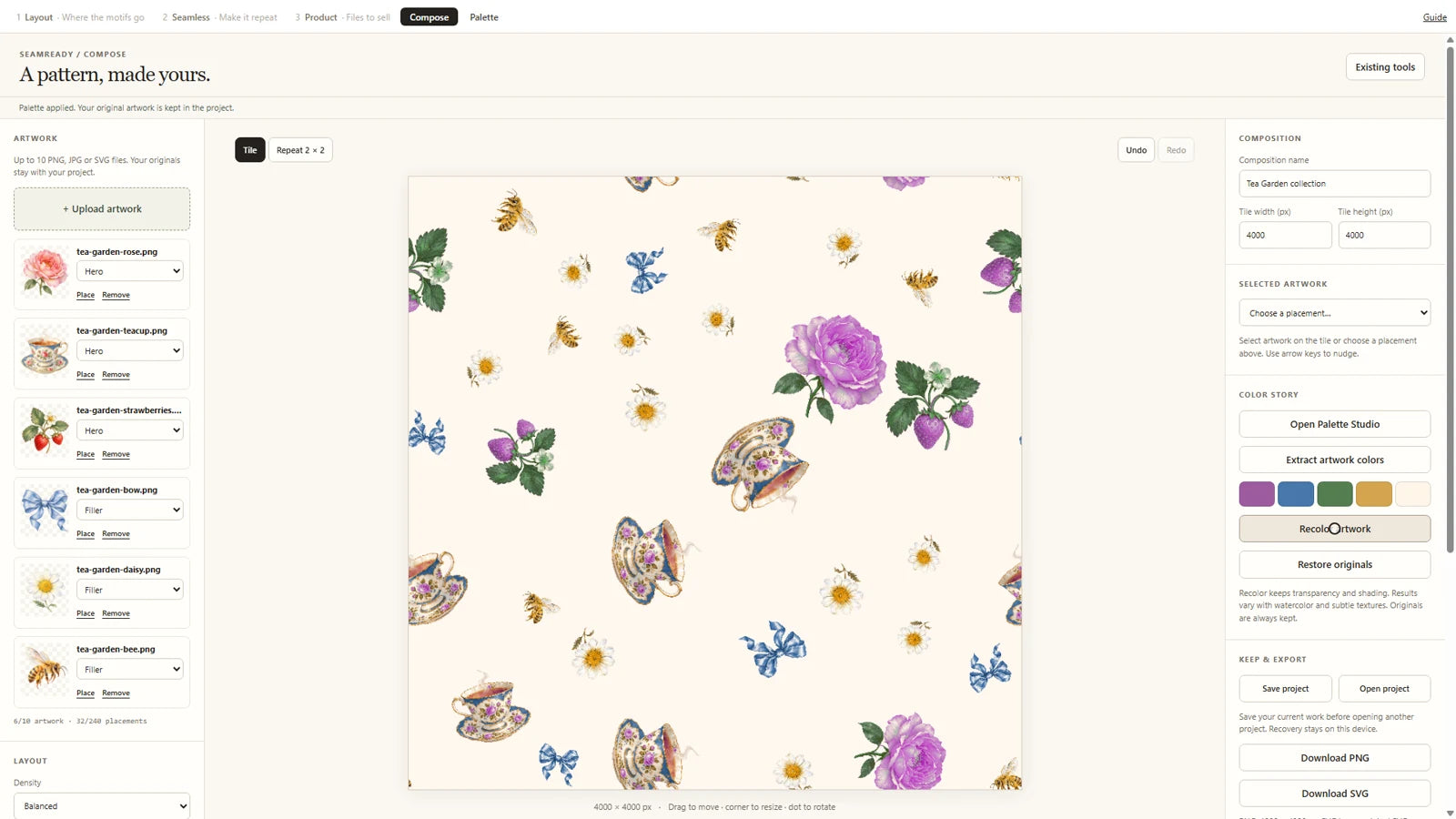
Bring your drawings or licensed clipart into Composer. Try a layout, then make the composition your own.

Same motifs. More room to create.
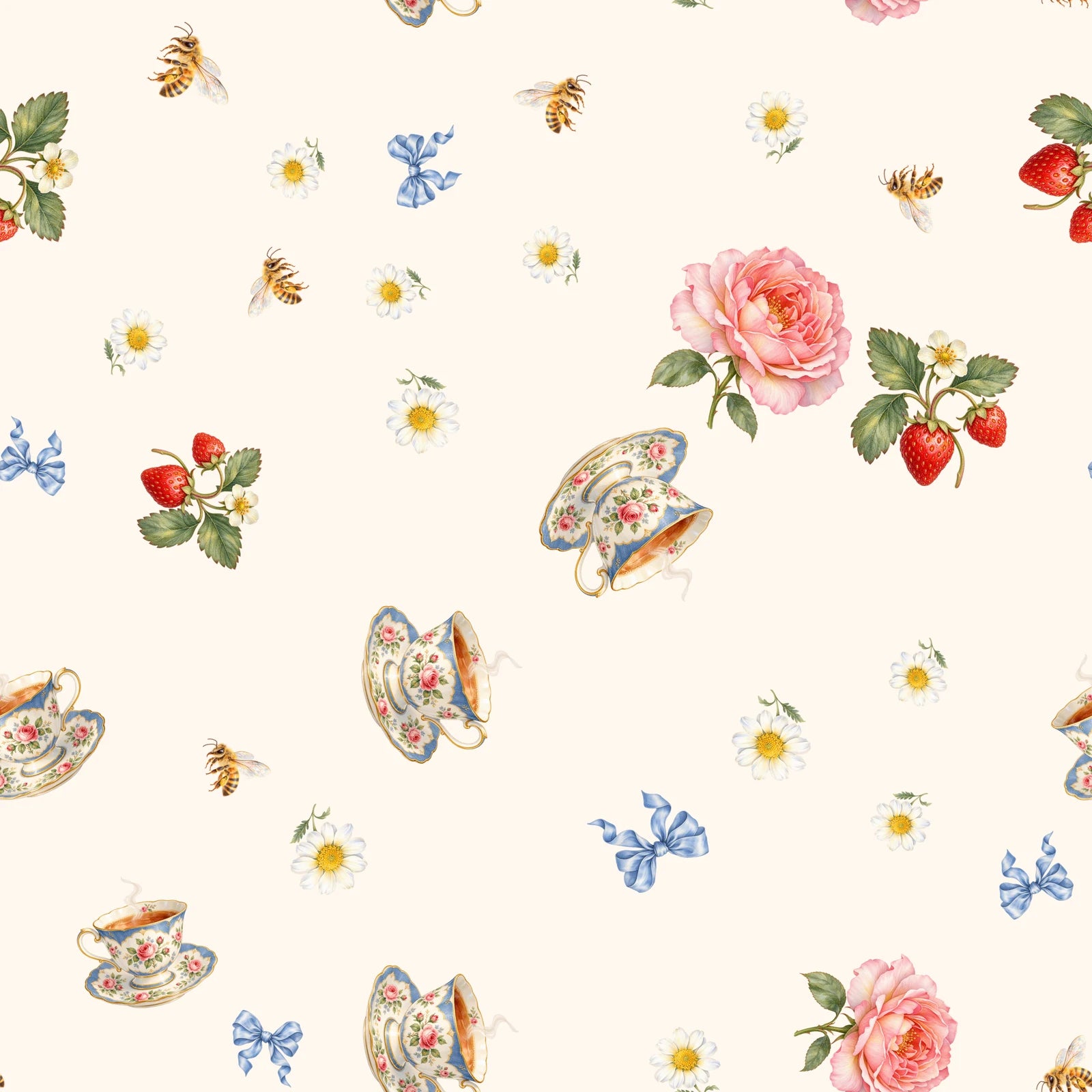
Download your guide, draw over it, then bring your PNG or JPG back to SeamReady. It runs in your browser, so there is nothing to install inside your drawing app.
Turn on Diamond method and SeamReady moves your original joins into the middle of the tile, so you can see them, repair them automatically where possible, and check the result in repeat.
Choose the size, count and spacing of your circles. Take the guide into your drawing app and build your composition around it.
Get SeamReady ↗One purchase. The complete SeamReady studio.
Upload a repeating background and place your motifs where you want them. Placement is under your control.
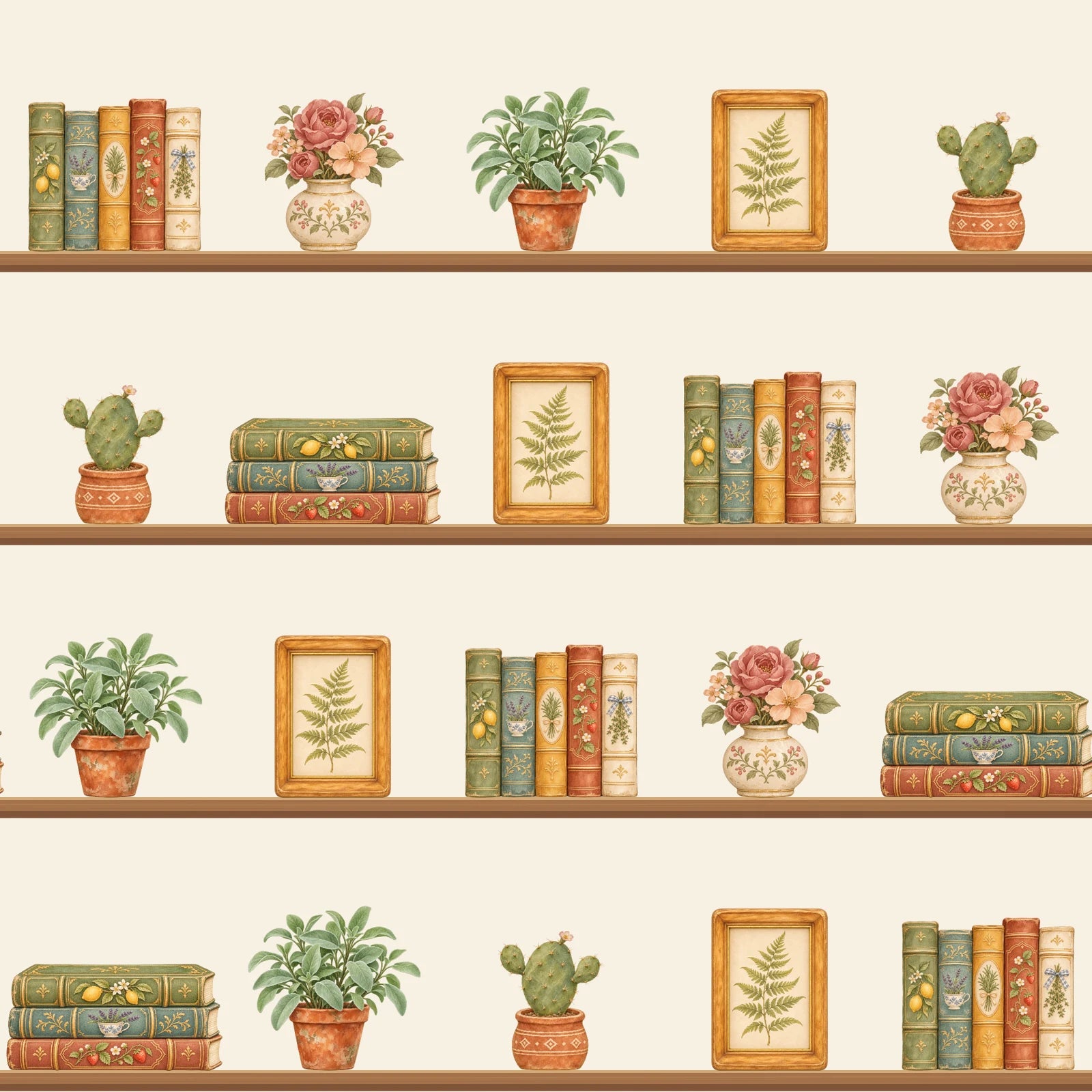
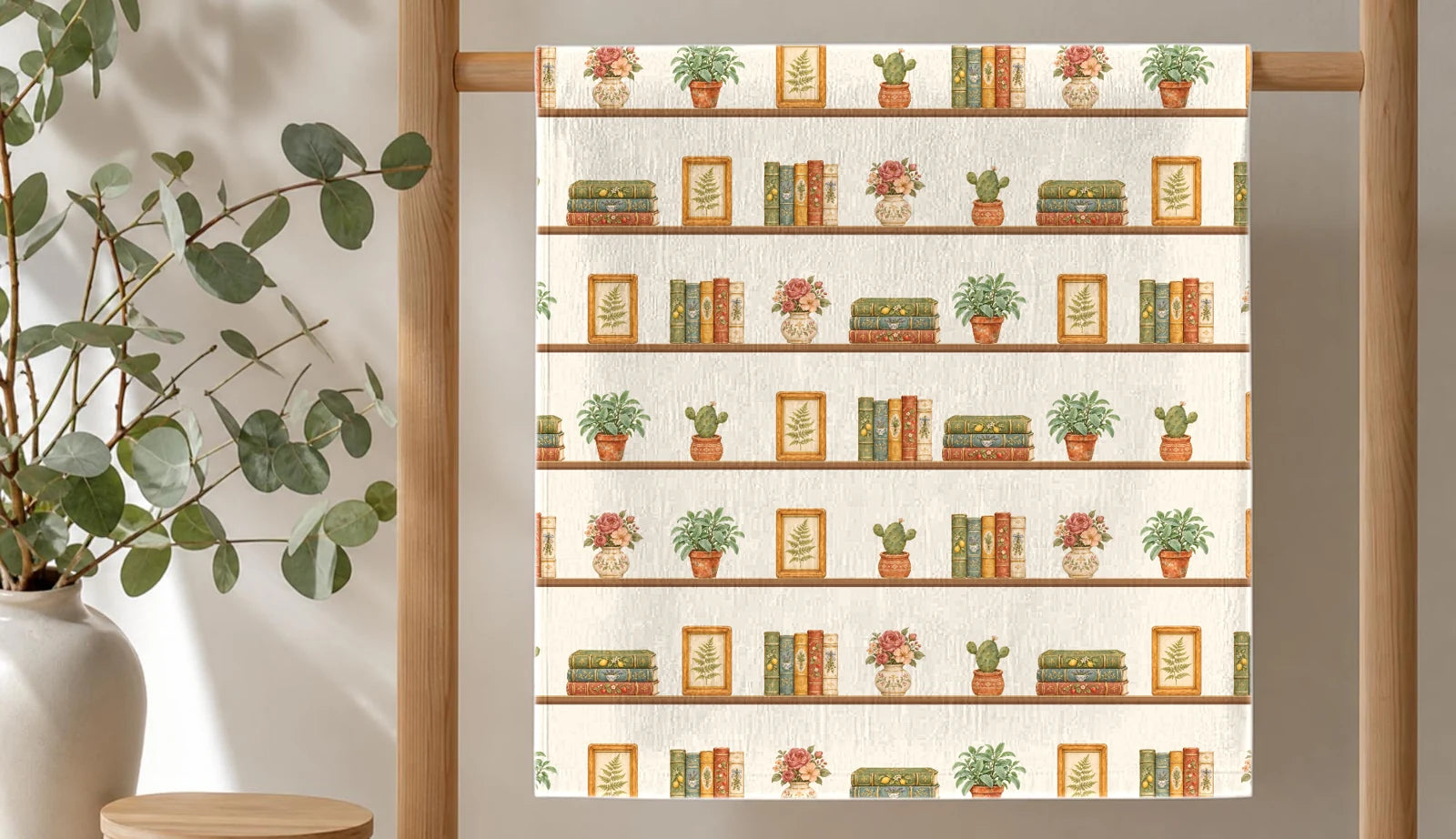
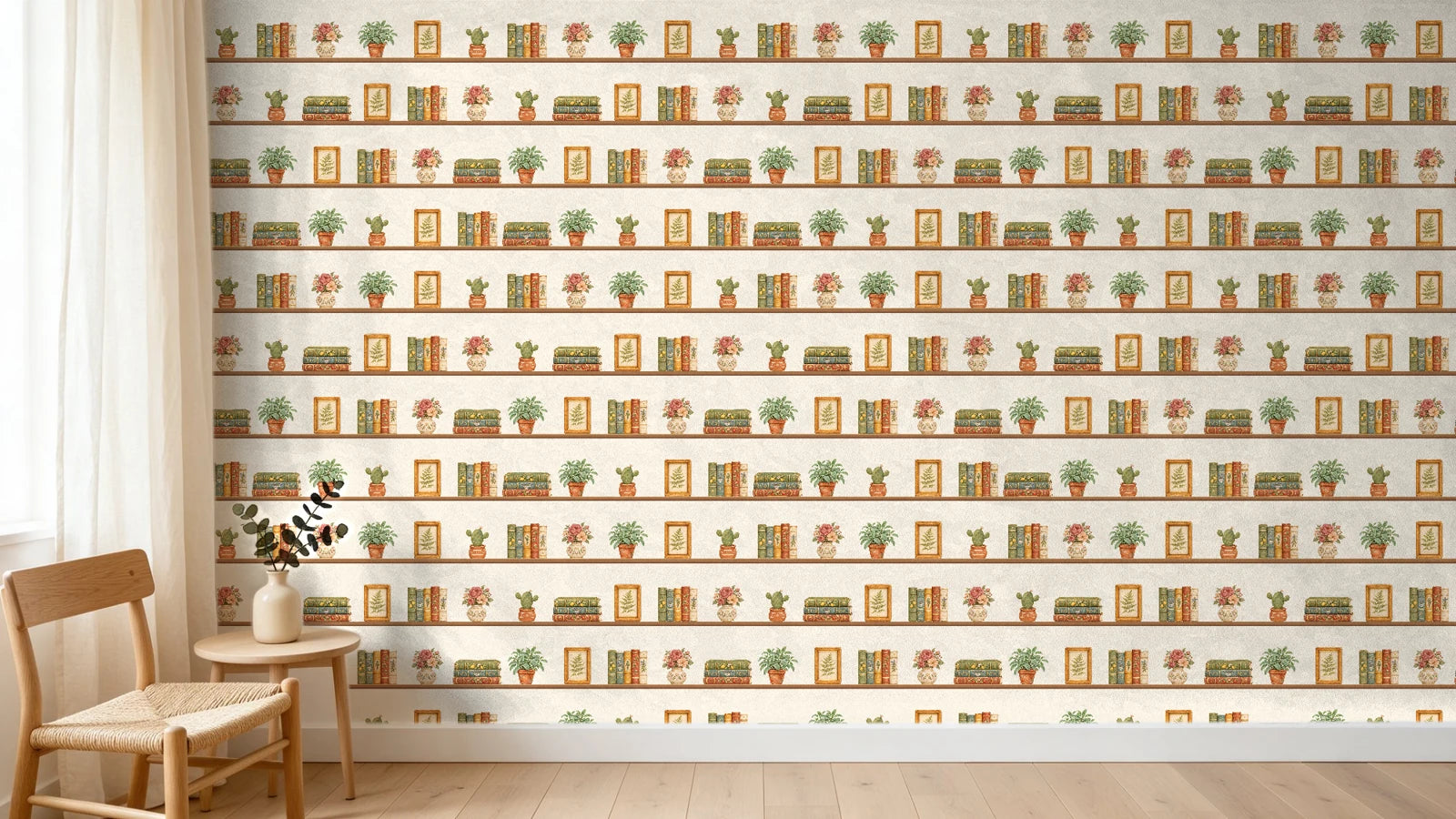
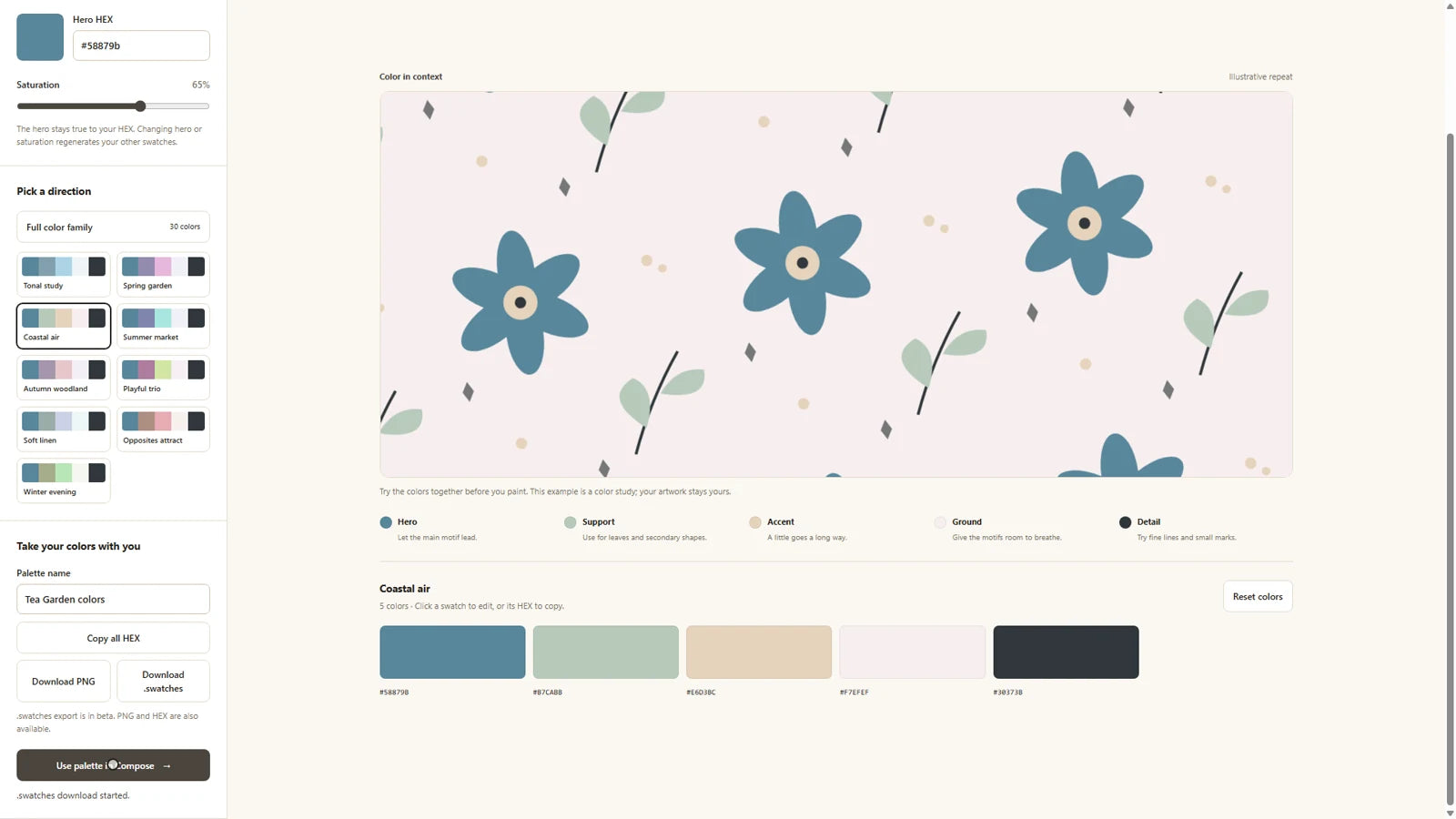
Start with a colour you love. Build a coordinated palette, refine the shades and use them in your own artwork. Then explore a new colourway in Compose.
One purchase. The complete SeamReady studio.
Switch between Grid, Brick and Half-drop. Adjust the repeat scale and offset, and choose a background for artwork with transparency.
Preview your pattern in repeat, see where joins are flagged, and compare the automatic repair with your original artwork.
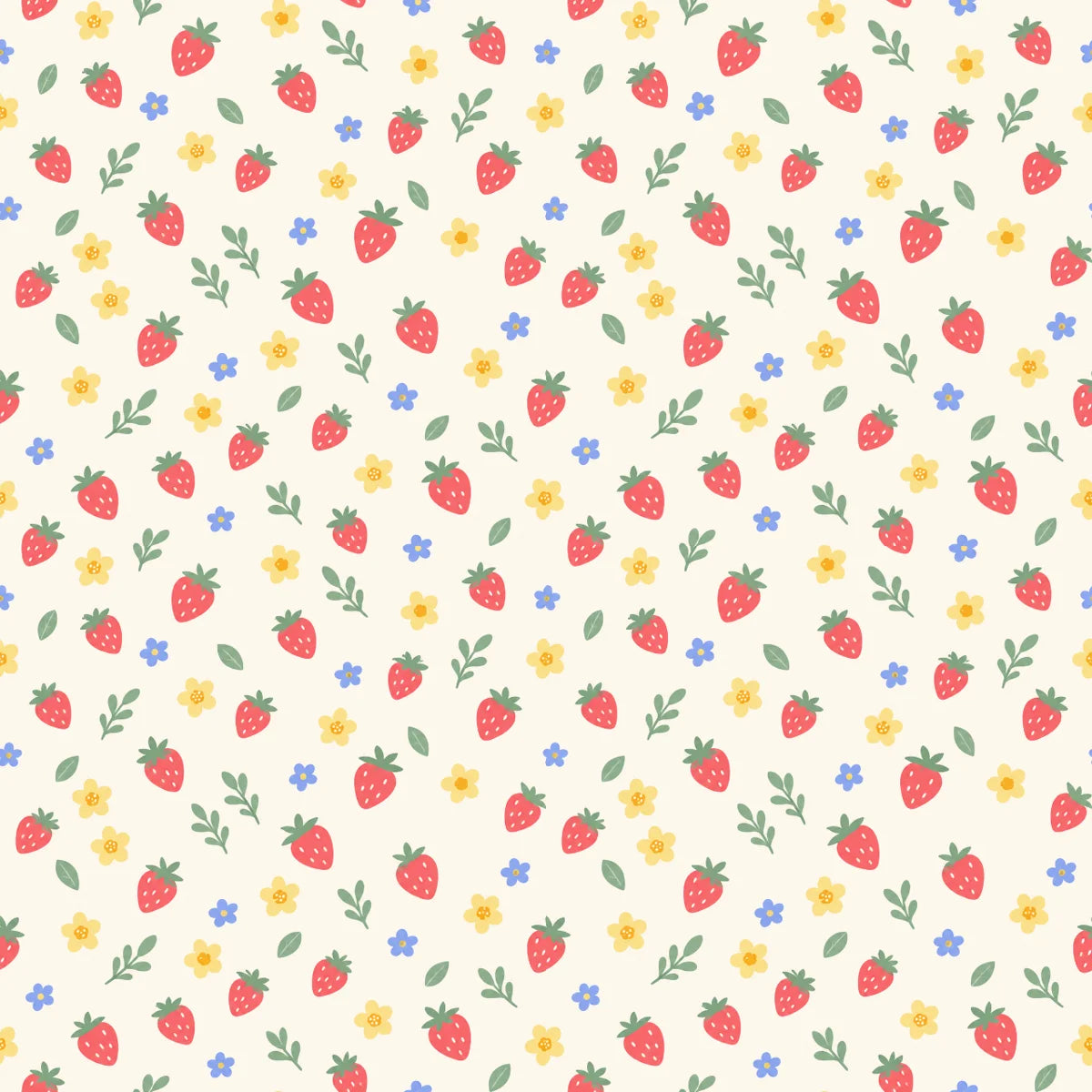
Markers hidden so you can inspect the artwork itself. Compare the join and the surrounding motifs.
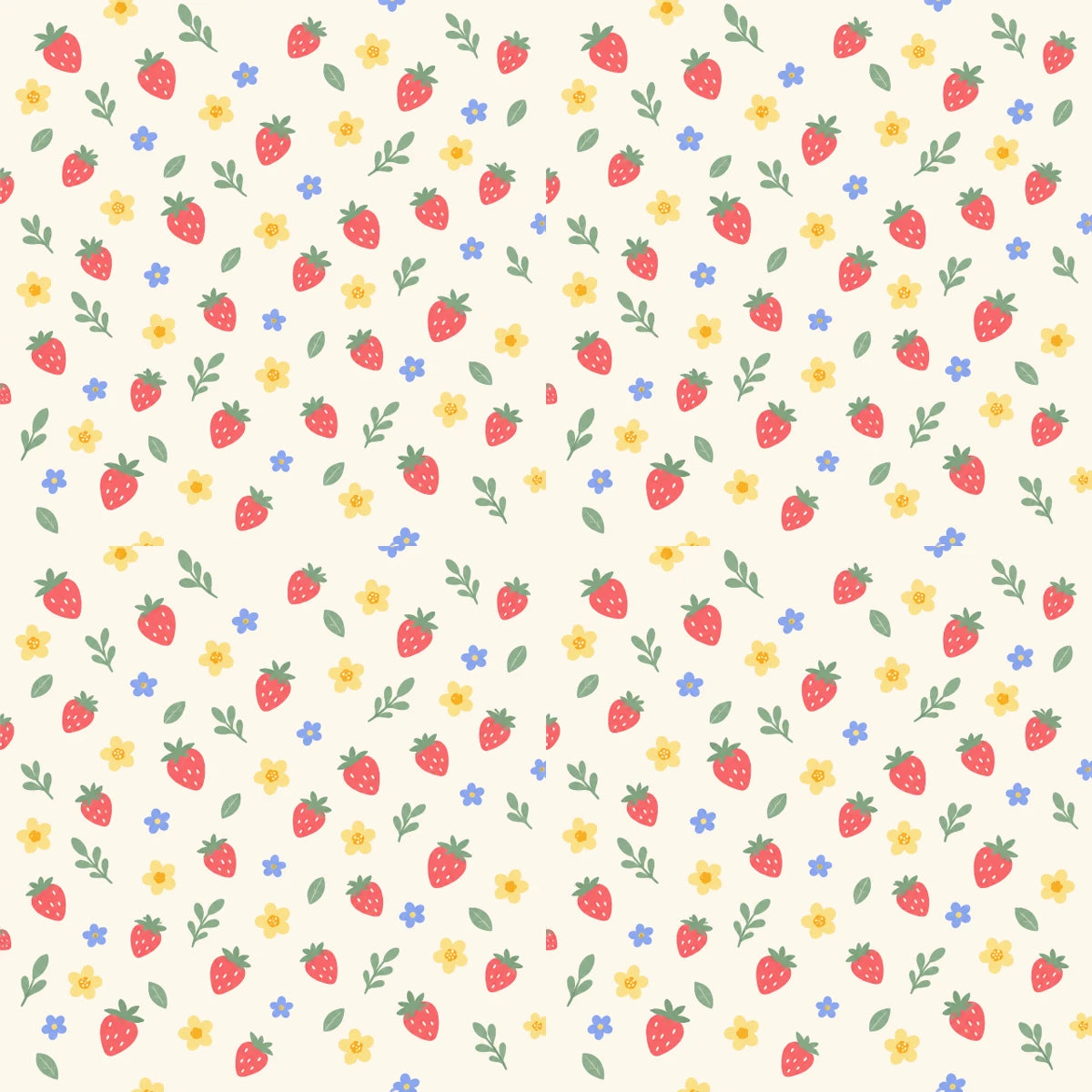
Results vary by artwork. Check the repaired pattern before printing or selling.
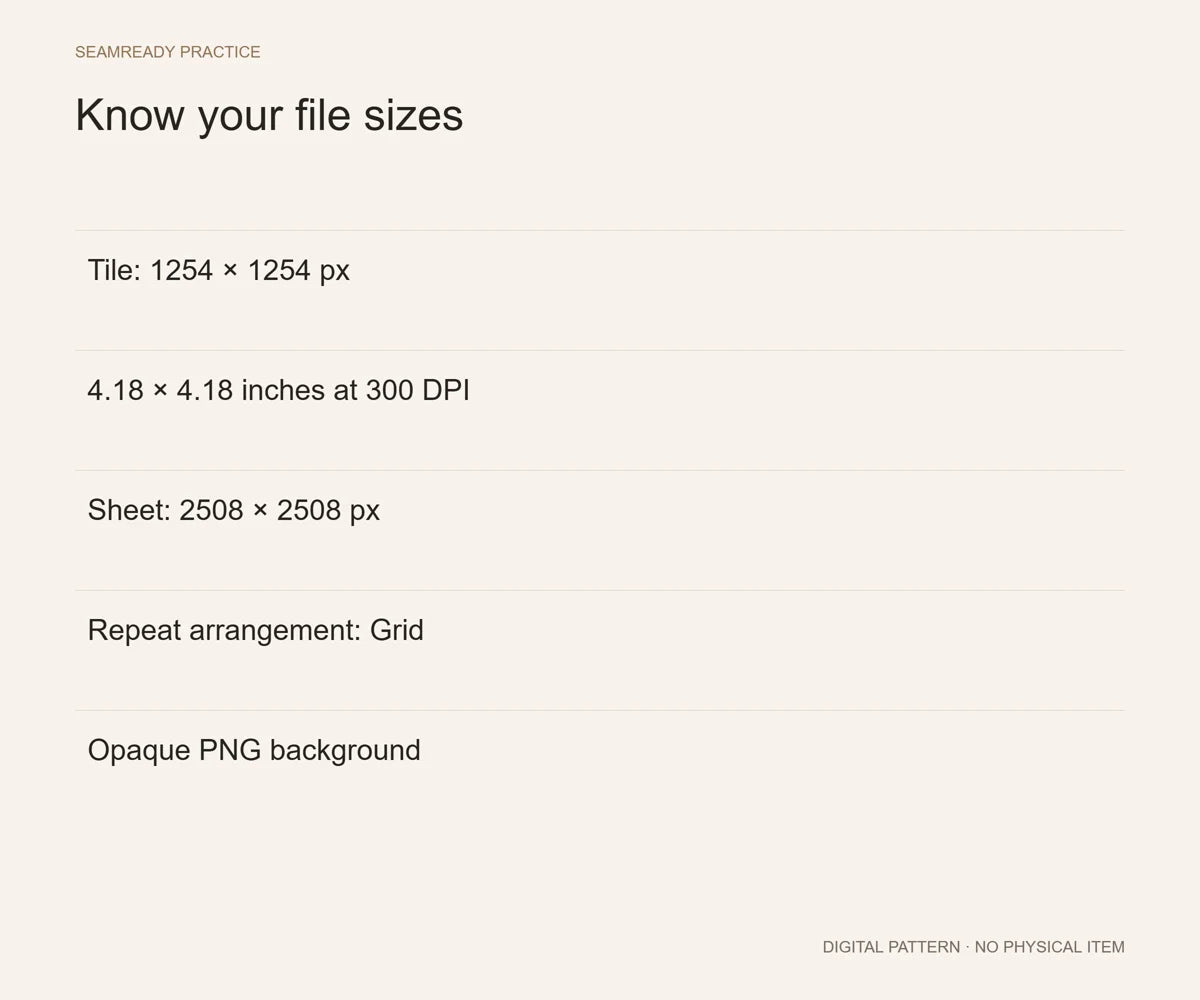
Prepare 12 × 12 in digital paper, Spoonflower files, tumbler and mug wraps, bookmarks and more from one pattern. Choose a preset or enter your supplier's dimensions and adjust the scale.

300 DPI · 3600 × 3600 px PNG
Tile at 150 DPI · Grid, Brick or Half-drop
Tumblers, mugs, bookmarks or your supplier’s custom size
Set your dimensions. See your export size. Skip the guesswork.
Spoonflower reads files at 150 DPI. Match other dimensions to your printer or supplier’s specifications.
One purchase. The complete SeamReady studio.
See your artwork on products, adjust the pattern size, and download mockup images for your listings, portfolio or social posts.
20 mockup scenes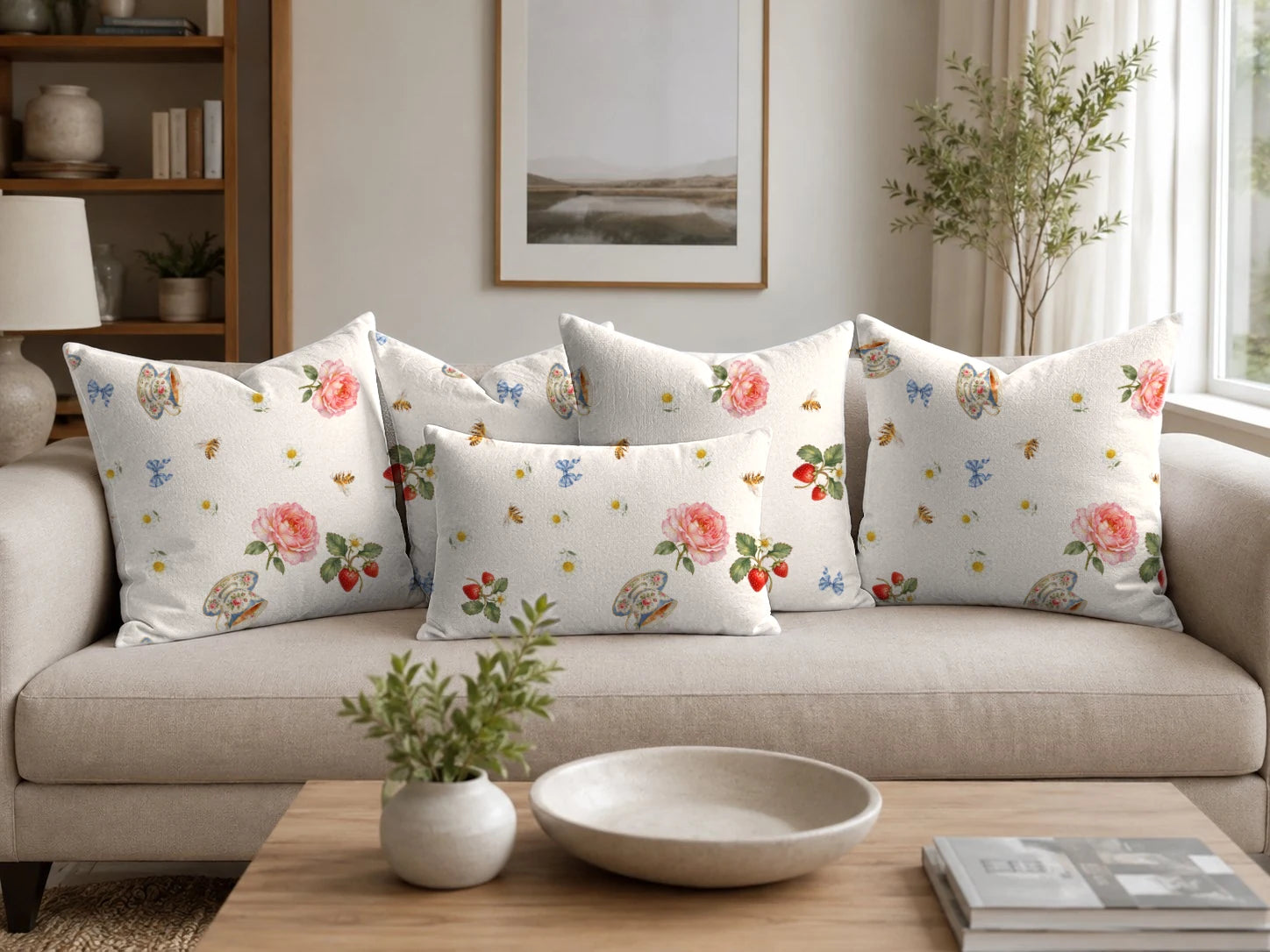
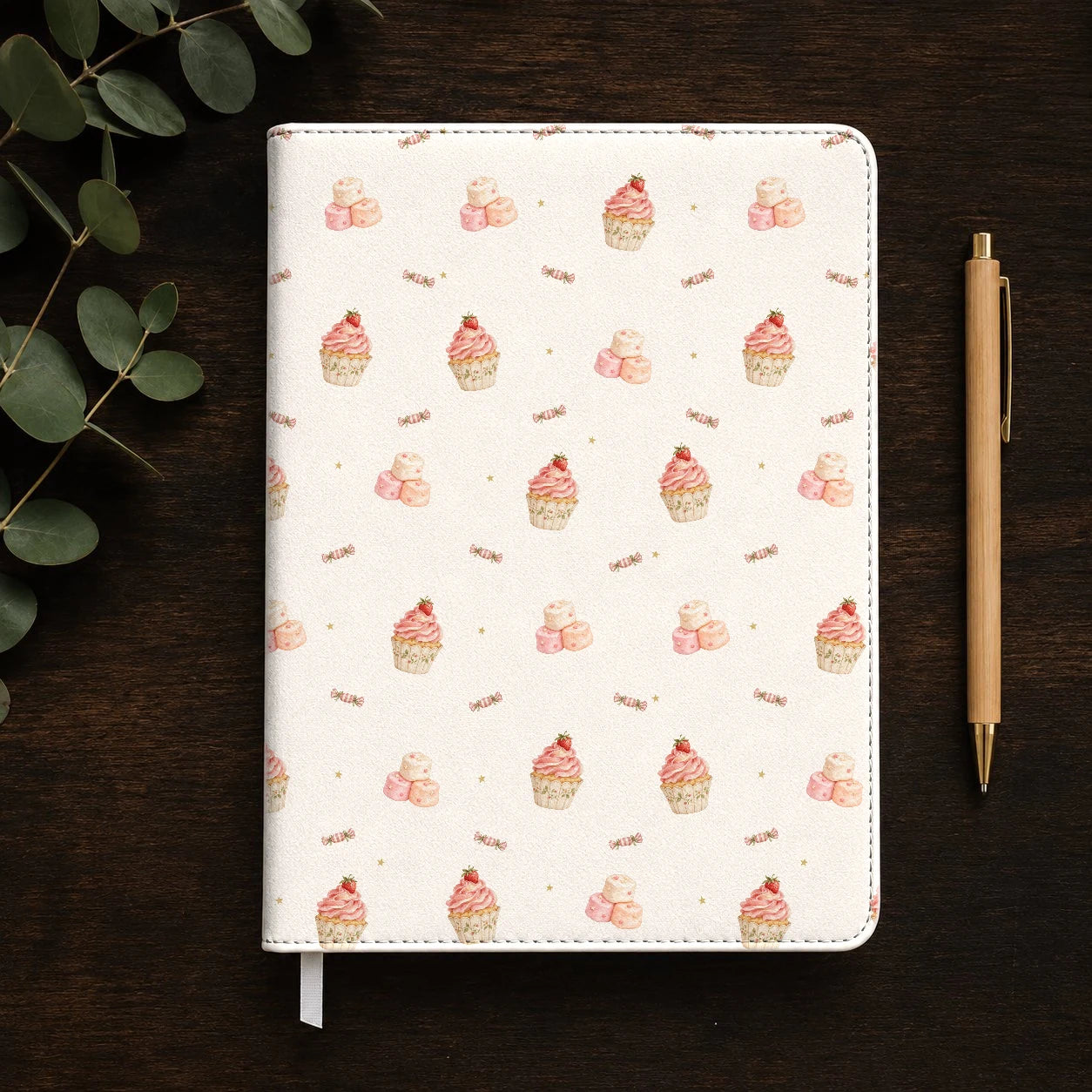
Showcases feature included and premium scenes. Premium scenes require the optional pack.
Explore 20 additional scenes with the Premium Mockup Pack.
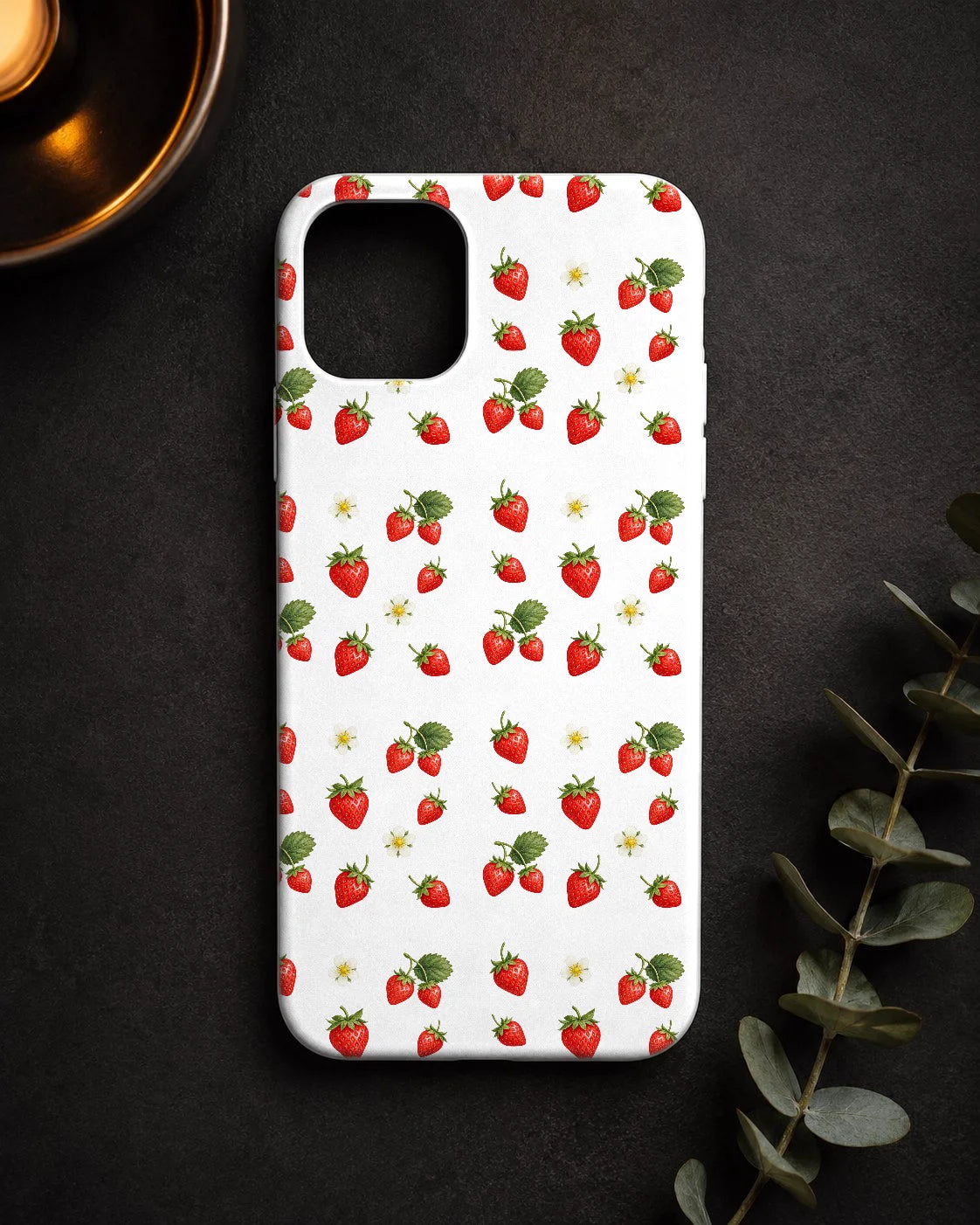
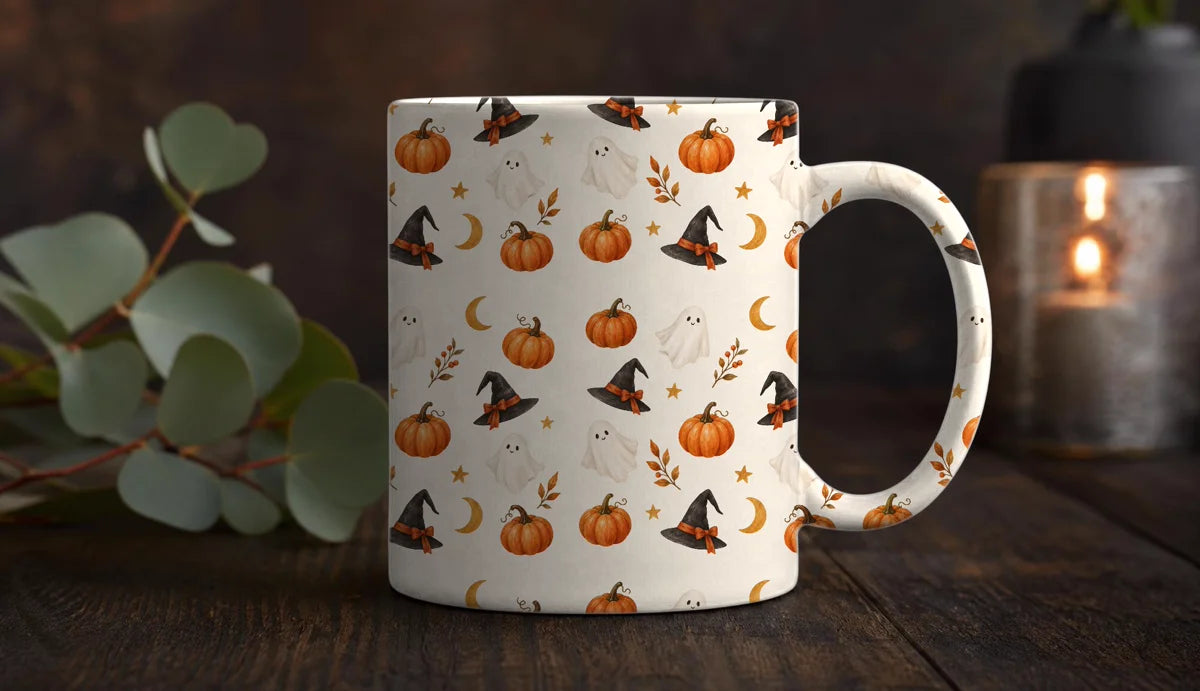
Turn your pattern details into listing images, editable copy drafts and an organised file package. Review and personalise everything before publishing.
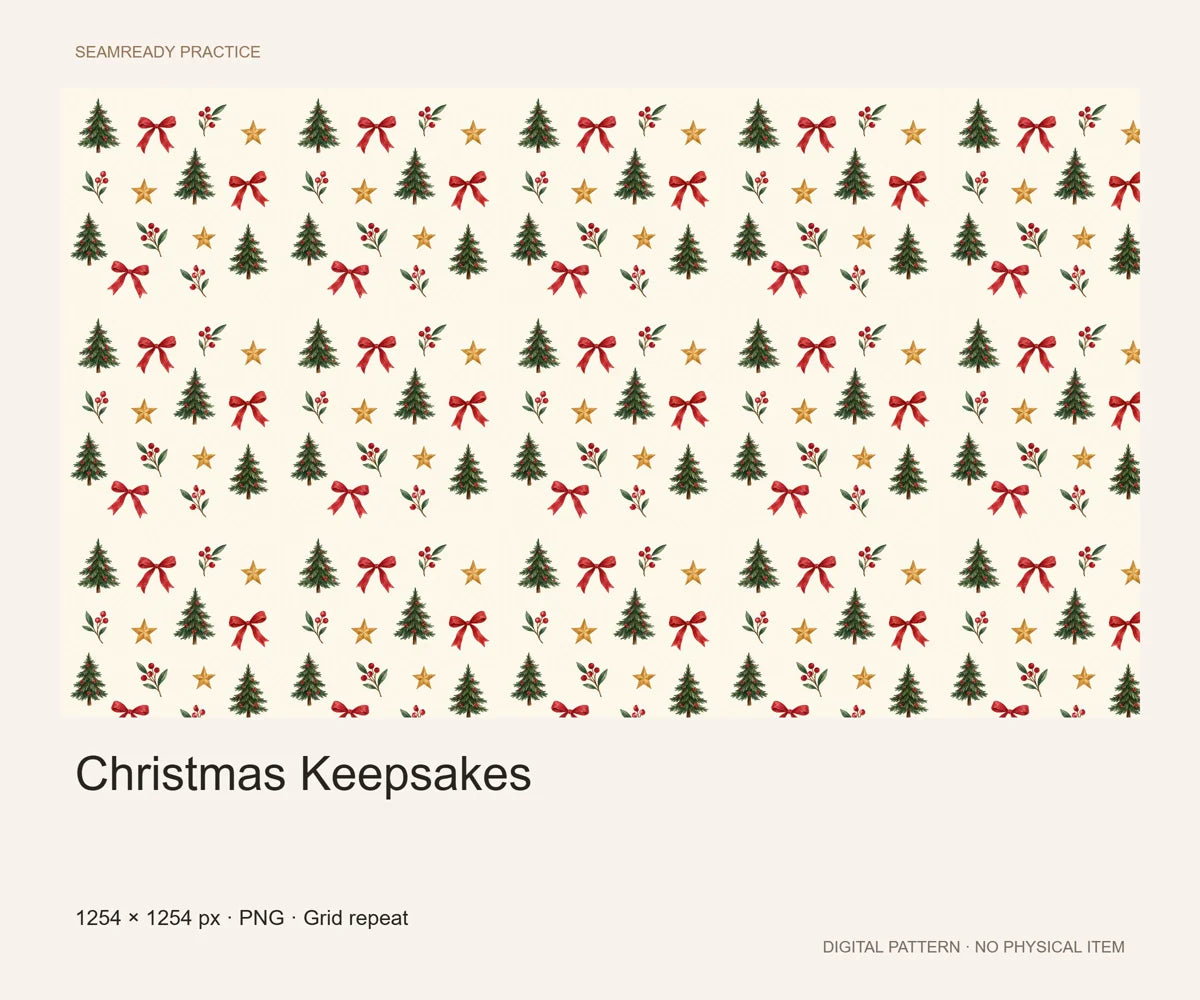
Arrange the presentation in the order you want.
Start with a title, tags and description you can make your own.
Keep buyer files and seller materials clearly separated.
Learn with narrated lessons, illustrated instructions and three editable practice projects.
English voice and captions, about 17 minutes, with three editable practice projects.
Step-by-step explanations and screenshots to follow at your own pace.
23 pages in each language. The app, videos and quick start are in English.
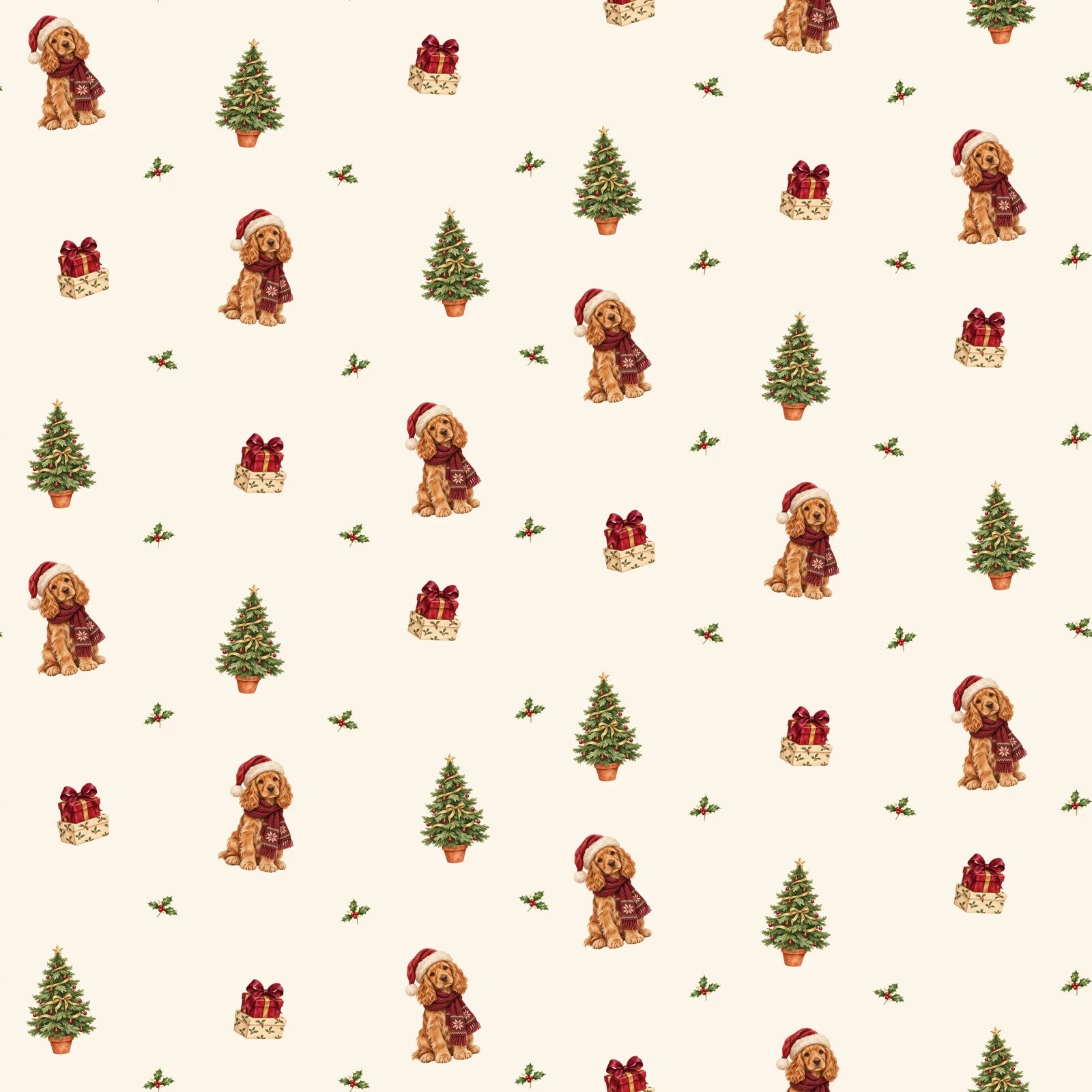
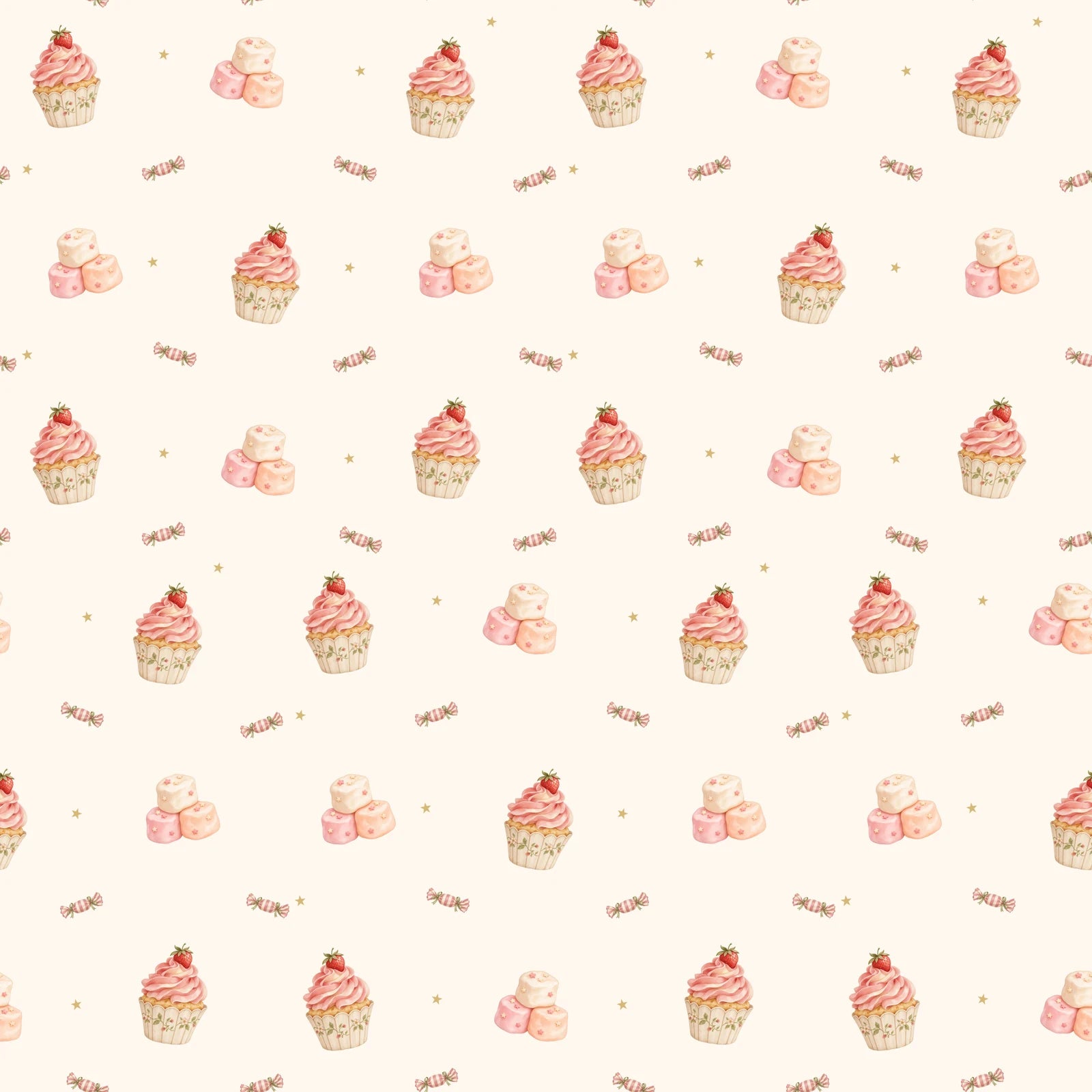
Open a project, make changes and save your own version.
One purchase. The complete SeamReady studio.
Already bought SeamReady? This update adds Composer and Color Palette Studio to your existing purchase, free. You get both tools without buying SeamReady again.
New customers get them in the same one-time purchase. Updates to your purchased tools are included.
Bring your own drawings or licensed clipart. SeamReady helps you arrange the actual motifs, explore colourways and build the repeat.
Automatic placement arranges the files you upload. It does not invent new illustrations. You decide the composition, colours and final result.
Premium Mockups and the Listing Kit are optional extras.
SeamReady processes your pattern images in your browser. Your artwork isn’t uploaded to our servers for processing.
 a note from Mary ♡
Hi, I’m Mary. I love making patterns, but I often found myself stuck on everything around the artwork. Moving motifs over and over. Finding seams when I thought I was finished. Preparing different sizes and making mockups before I could finally share my designs.
I use it every day, and it has changed how I work and how I feel about creating. The steps that used to frustrate me now have a place in my process.
I wanted to share that with other pattern lovers, too. If you’ve ever felt excited about a design, then overwhelmed by everything left to do, I made SeamReady with you in mind.
Mary

Planning, checking, preparing files, mockups and listing images usually means three or four separate purchases, each with its own instructions.
Premium Mockups and the Etsy Listing Kit are optional extras offered before checkout. They are not part of the base price.
Digital software. Devices and physical products are illustrative.
Get SeamReady, the included mockup collection, and step-by-step guidance in one purchase.
Limited Autumn Offer
Save 58%
No subscription. No export credits.
Purchasing will open soon.
One secure checkout.
In your browser, from the link on this site or in your order email.
With your checkout email and order number.
✓ Updates to your purchased tools included.
SeamReady works with artwork you bring into the app. You can use your own drawings or artwork you have permission to use. Placement guides help you plan a composition in your drawing app; SeamReady does not draw the motifs for you.
Any app that exports PNG, JPG or WebP images, including Procreate, Photoshop, Canva, Affinity and Illustrator. Create your artwork there, then continue in SeamReady in your browser. SeamReady doesn’t open layered Procreate or PSD project files directly.
Yes. Diamond method moves the original joins of your tile into the middle, so you can inspect them and apply automatic repair where needed. Placement guides help you plan where motifs go before you draw.
Yes. Open your pattern to preview the repeat, check its joins, apply automatic repair where needed, and prepare product files or mockups.
Results depend on the artwork. Repair can change or crop details, so compare the result with your original and inspect it before printing or selling.
You can open PNG, JPG and WebP images. Use PNG when you need to preserve transparency.
Depending on the tool, you can download placement guides, pattern tiles, repeated sheets, product-sized PNG files and mockup images. The optional Etsy Listing Kit packages listing materials and buyer files.
Yes. Export a 12 × 12 in digital paper sheet at 300 DPI (3600 × 3600 px), or a repeat tile at 150 DPI for Spoonflower with the repeat size you choose. SeamReady never enlarges your artwork, so the largest repeat depends on your image size.
Open SeamReady in your browser from the link on this site or in your order email, then sign in with your checkout email and order number.
Yes. Updates to the tools you purchased are included at no extra cost. New add-ons or packs may be offered separately.
Yes. The 19 short step-by-step video lessons and written guides are included with SeamReady. Walkthroughs covering the optional Listing Kit are included too; using the kit requires that add-on.
SeamReady includes 20 scenes. The Premium Mockup Pack adds another 20.
Pattern images are processed in your browser and aren’t uploaded to our servers for processing. Account and purchase information is handled separately to provide access.
You need the appropriate rights to the artwork you use. SeamReady does not give you rights to third-party designs or replace the licence that came with them.
No. SeamReady is a one-time purchase with no export credits. Device memory and image size can still affect processing.
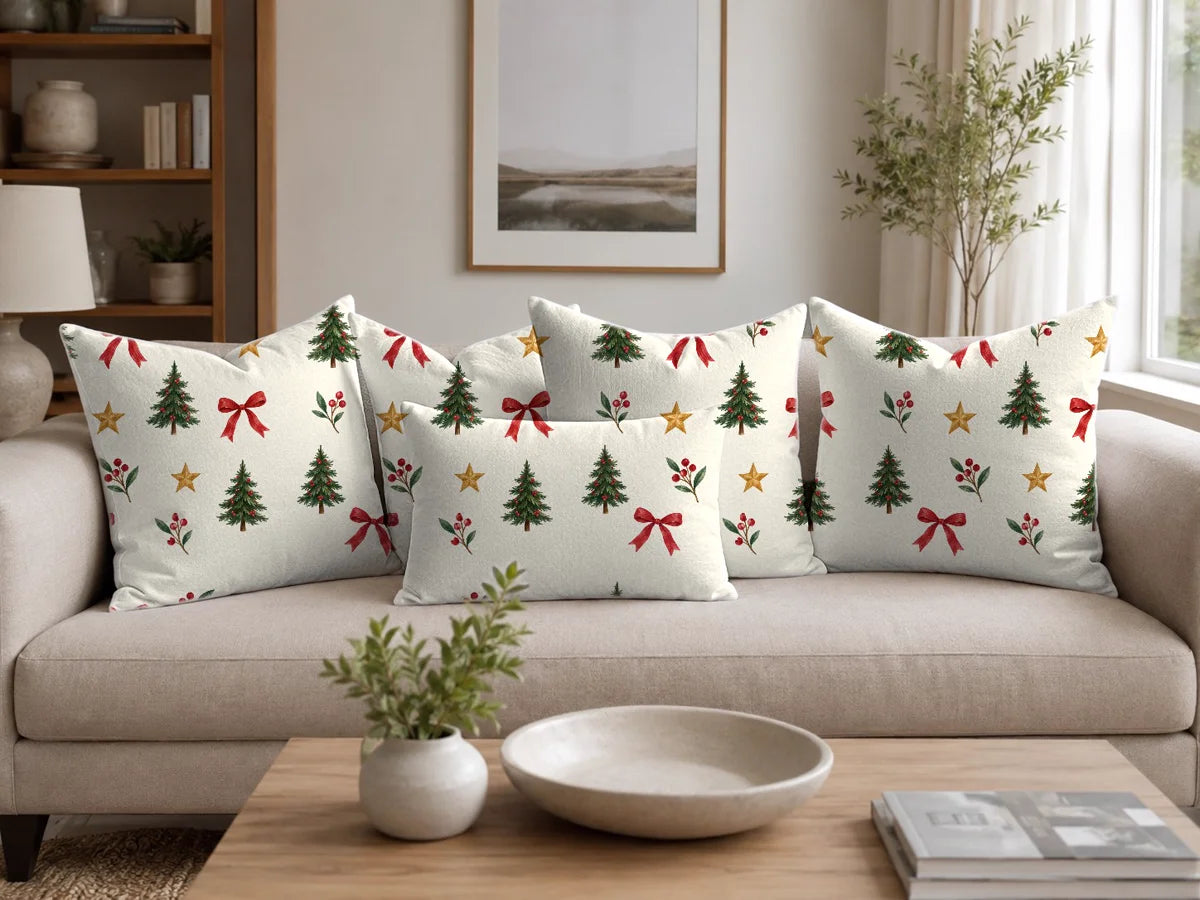
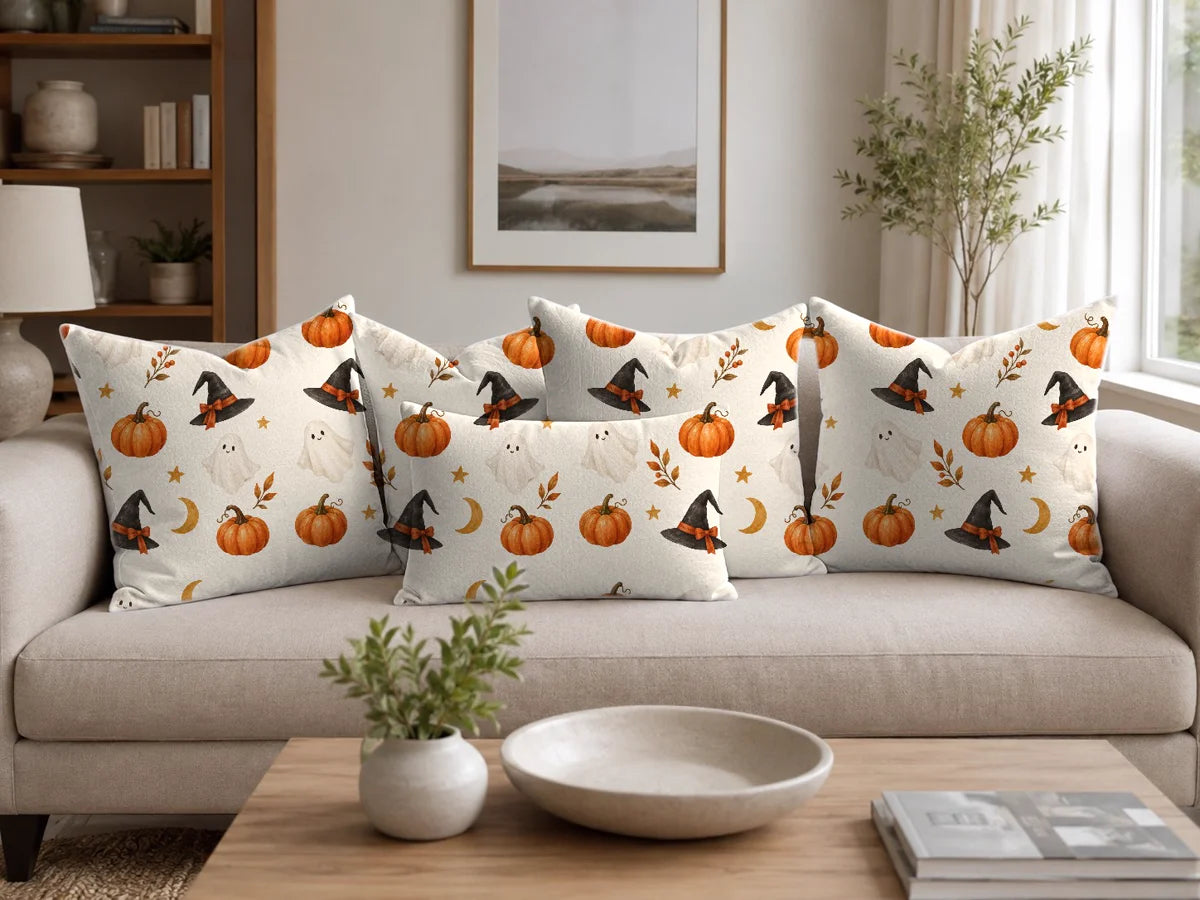
From a placement guide to a repeat, a product file or a mockup.
Bring the next steps together with SeamReady.
One-time purchase · Tutorials included · No export credits